Skip to content

The Future of Teaching in Canada: How Digital Classrooms Are Reshaping Learning Outcomes.

Canada’s education system is undergoing a major transformation driven by digital learning tools, hybrid classrooms, and AI-assisted teaching platforms. Schools across provinces are increasingly adopting technology to improve access, engagement, and performance.

However, this shift is not without challenges. While urban schools enjoy advanced infrastructure, rural and remote areas still struggle with connectivity and access to devices. Despite this, the future of Canadian education is clearly digital.

Teachers are now expected to blend traditional methods with digital tools like Google Classroom, AI grading systems, and interactive learning apps.

The result? A more flexible, personalized learning experience for students—but also a new demand for teacher training and digital literacy.

How Is AI Giving Teachers Time and Students Superpowers?

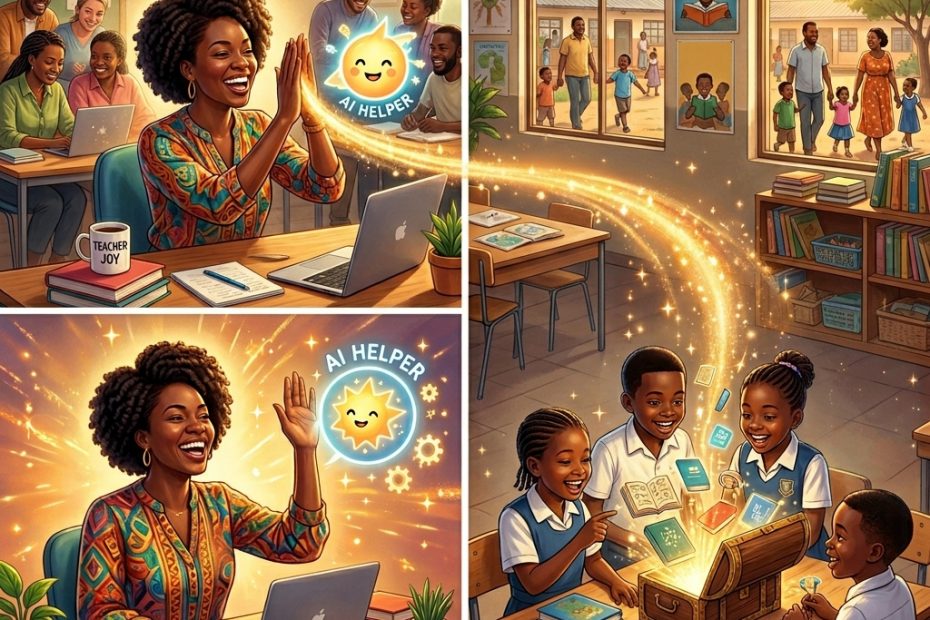
Mr. Patel used to dread grading nights. Now AI handles the first pass, and he spends his energy on real conversations that light up his students’ eyes. This is the beautiful win-win of 2026 AI automations.
Teachers reclaim hours for creativity and connection. Students receive patient, personalized guidance that adapts to their pace and style. Parents gain clearer ways to support learning at home. From adaptive practice tools to smart feedback systems, these inventions are turning ‘I can’t’ into ‘I got this!’
The magic happens when we use AI as a partner, not a replacement. It handles repetition so humans can focus on inspiration, relationships, and deep thinking. Real classrooms are seeing happier teachers, more confident learners, and stronger outcomes.
At Smart Teacher Online, we’ve designed everything to feel approachable and safe for the whole family. Whether you’re a teacher dreaming of balanced evenings, a student wanting to understand things better, or a parent eager to help, these tools are ready to support you.
2026 is proving that technology and humanity together create something greater than either alone. The story of education is getting better—chapter by chapter, smile by smile. Come write the next page with us.

Online Privacy 101 for Parents and Kids.

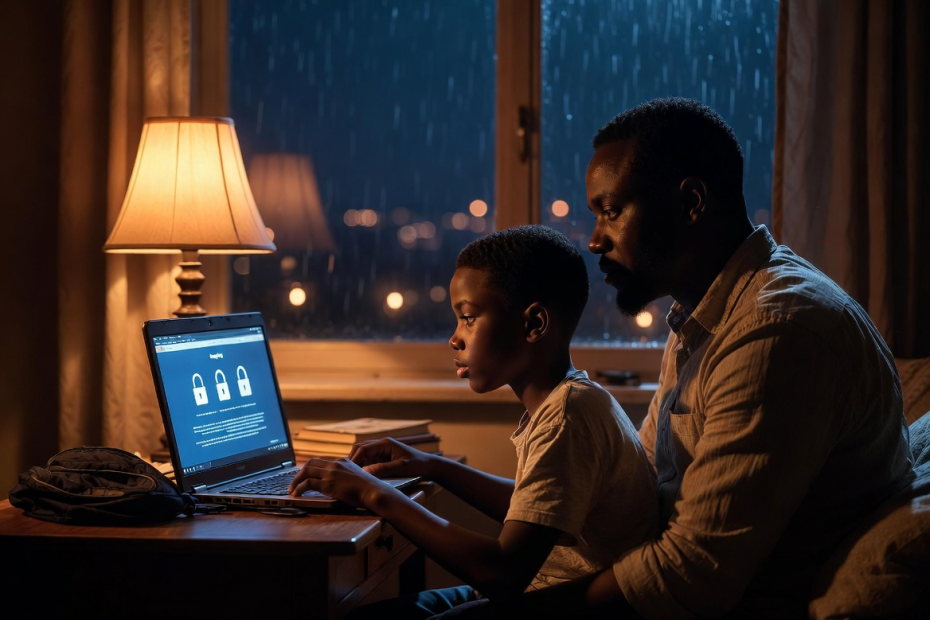
Nine-year-old Ada proudly posted a beach family photo — until her mom noticed their house number, school name, and exact location were clearly visible.
That moment sparked an important family conversation about online privacy.
From strong passwords and privacy settings to the “Stop, Think, Ask” rule — here’s a simple, story-filled guide every parent and child needs.
Online privacy isn’t about fear. It’s about giving kids the superpower to enjoy technology safely.
Read “Online Privacy 101 for Parents and Kids” and start the conversation today.

How AI Tutors Are Changing the Classroom.

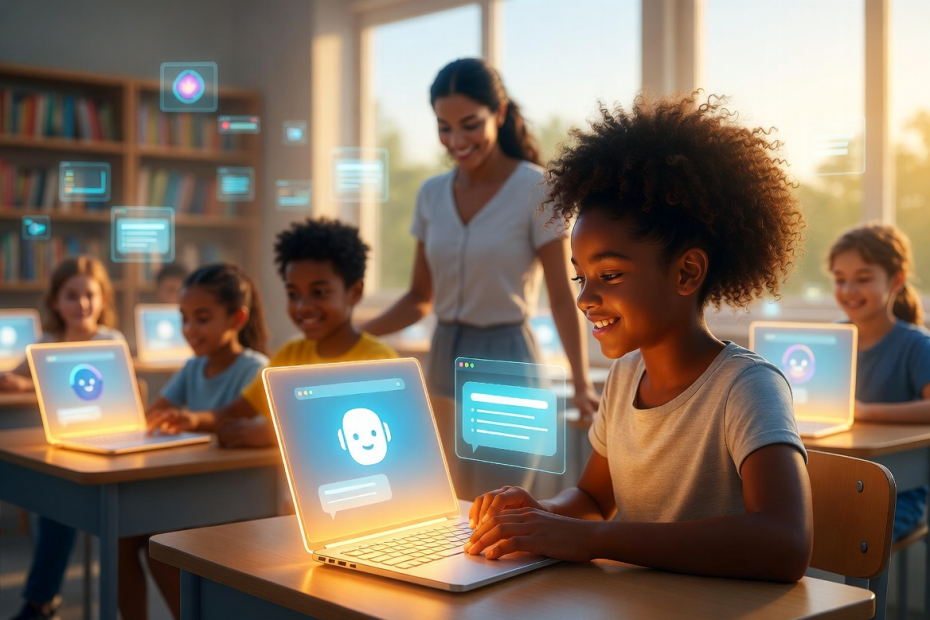
It’s 10:30 PM. A 12-year-old in Lagos struggles with fractions until her AI tutor asks one simple pizza-sharing question — and everything clicks.
This is the new reality of education. AI tutors like Khanmigo are giving every child access to patient, personalized guidance that was once only for the wealthy.
They’re not replacing teachers — they’re freeing them to do what humans do best: mentor and inspire.
Read how AI is transforming classrooms worldwide.

WHAT ARE 2-FACTOR AUTHENTICATIONS AND WHY ARE THEY IMPORTANT?

In today’s digital world, keeping our online accounts safe is as important as locking our front doors.

That’s why 2-Factor Authentication, or 2FA, has become everyone’s best friend – from kids doing homework on tablets to parents managing family finances and professionals handling work emails. But what exactly is it, and why does it matter so much?
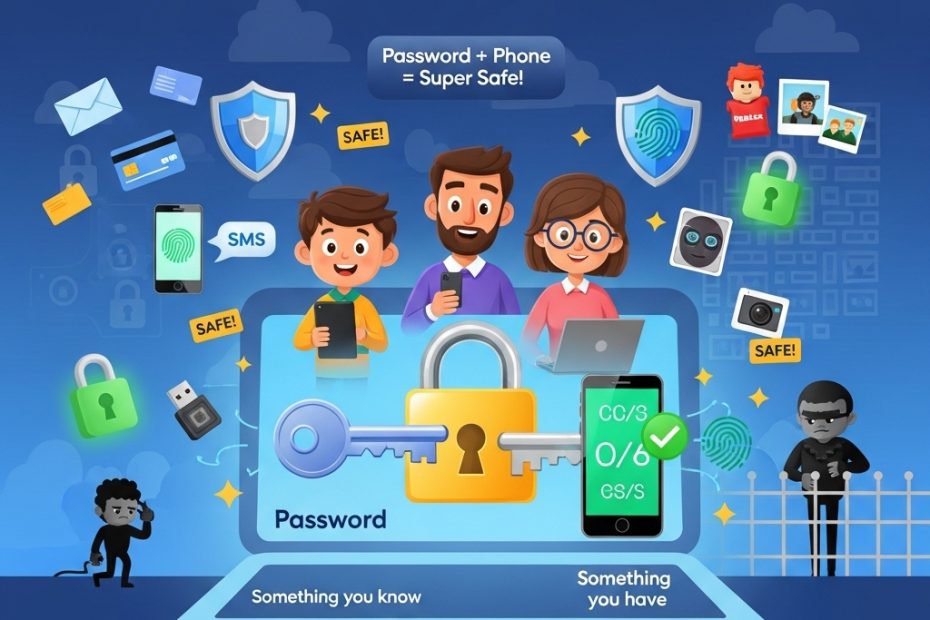
Simply put, 2FA is a double-lock system for your accounts. You already use one lock every day: your password (something you know).

But passwords can be guessed, stolen in data leaks, or tricked out of you by sneaky phishing emails. 2FA adds a second, completely different proof that it’s really you – like a code sent to your phone, your fingerprint, or a quick face scan on your device.
Here’s how it works in easy steps: First, enter your username and password. The website checks them. Then it asks, “Prove it’s you!” You get a special code on your phone or use your fingerprint. Only when both match do you get inside. Hackers might steal your password from somewhere else, but without that second step, they’re locked out!

There are several types of 2FA factors: knowledge (passwords or security questions), possession (phone codes or authenticator apps), biometric (fingerprints or face ID), and even location or time checks. Most people start with password plus phone code – it’s simple and free on Gmail, banking apps, school platforms, and games like Roblox.

Why is it so important? Because one password is no longer enough in our connected world. 2FA stops 99% of automatic hacker attacks, protects kids’ gaming and school accounts from strangers, prevents parents from losing money to online fraud, and keeps professionals’ sensitive files secure. It reduces identity theft, phishing success, and data breaches. Even big companies use it to build customer trust!

Best of all, turning it on takes just two minutes in your account settings. Choose app-based or biometric options over plain texts for extra safety. Teach your family: never share codes, and enable 2FA everywhere – email first, then everything else.
At Smart Teacher, we believe every child, parent, and professional deserves to explore the internet without fear. 2FA is your simple superpower.

Turn it on today and enjoy peace of mind tomorrow!

HOW TO RECOVER A COMPROMISED WHATSAPP ACCOUNT.

Is your WhatsApp acting strange? Maybe friends are getting weird messages from you that you never sent, or you suddenly can’t log in.

Don’t worry – this is called a compromised account, and WhatsApp makes it easy for anyone (kids, parents, or professionals) to get it back quickly!

According to the official WhatsApp Help Center, the first rule is simple: never share your 6-digit registration code with anyone – not even family or friends. That code is like the only key to your private chats. If someone else is using your account, follow these easy steps right on your phone with the same SIM card.

Open WhatsApp and tap “Log back in” then “Continue.” Enter your full phone number (including the country code like +234) and press OK. Next, type the 6-digit code sent by text or phone call. As soon as you do this, WhatsApp automatically kicks out every other device that was secretly using your account – laptops, tablets, everything! You are now safely back inside.
What if it asks for a two-step verification PIN you don’t know? A hacker might have turned this on. Just wait 7 days and try again – you will still be able to log in after the wait, and the intruder gets locked out immediately.

Once you’re back, tell your family and friends right away: “Please ignore any strange messages from me!” This stops scams fast. Then make your account strong: go to Settings > Account > Two-step verification and turn it on (add your email so you never get stuck). Check Linked Devices and log out anything you don’t recognise. Turn on App Lock and Chat Lock using your phone’s fingerprint or face ID.

Remember, WhatsApp uses end-to-end encryption, so no one else could read your old messages – they stay safe on your phone only. If you had a Google Drive or iCloud backup, you can restore all your chats and photos too.

Prevention is the best friend: always update WhatsApp, set a strong voicemail password, and teach kids never to share codes.

AI Chatbots as Secret Messengers for Hackers?

Imagine this: You’re at home helping your child with homework using a trusted AI like Microsoft Copilot or xAI’s Grok. You ask it questions, it fetches info from the web, summarizes pages, everything feels normal and safe. But behind the scenes, something sneaky could be happening.

Cybersecurity experts at Check Point recently revealed a clever trick hackers are using. They can turn these popular AI assistants into hidden “command-and-control” relays—basically, secret messengers for malware. Here’s how it works in simple steps:

First, a hacker tricks someone’s computer into getting infected with malware (maybe through a bad download, phishing email, or risky click, things we all warn our kids about).

Once inside, the malware doesn’t need its own suspicious internet connection. Instead, it cleverly “talks” to the AI through normal chat prompts.

The malware sends special instructions disguised as innocent questions. The AI, doing what it does best, visits a website the hacker controls, grabs the next command, and sends it back in its reply. To everyone watching, including antivirus software, it just looks like regular family use of AI. No weird traffic, no blocked domains, no alarms. It’s stealthy and blends right in with everyday enterprise or home chats.

Even scarier? No login or API key is needed. Hackers don’t create accounts that companies can ban. They just abuse the public web-browsing feature millions of us rely on.

Check Point calls this “AI as a C2 proxy.” It lets attackers not only send commands but also get the AI to think strategically: “Is this computer worth targeting? How can we avoid detection? What’s the next smart move?”

The AI becomes both messenger and advisor—turning trusted tools into powerful weapons for cybercriminals.

This isn’t the first time we’ve seen bad actors hide in plain sight. It’s similar to “living off trusted sites” attacks, where malware uses legitimate services like cloud storage or social media to stay under the radar.

Now, AI chatbots join the list.
The key takeaway for families? The best defense starts with prevention: Keep devices updated, use strong unique passwords, enable two-factor authentication, teach kids to think before clicking, and avoid downloading from unknown sources. If malware never gets on the device, there’s no secret messenger to abuse.

As AI becomes part of daily life—homework help, quick research, creative fun—staying aware of these evolving risks is crucial. Knowledge is our best shield.
Found this eye-opening?

Join us on Instagram and TikTok @smartteacheronline for weekly tips, kid-friendly explainers, parent guides, and real-world cyber stories that make online safety feel empowering, not scary. Hit subscribe and turn on notifications—we’ll keep your family one step ahead in this digital world!
What surprised you most about this? Drop a comment below—we’d love to hear! 👇

#SmartTeacherOnline #CyberSafety #AISafetyForFamilies

How To Balance Screentime and Online Safety as a Smart Parent.

Parenting in today’s world means dealing with screens everywhere. At Smart Teacher Online, we focus on cybersecurity and edtech to help families stay safe. Screen time is how long we stare at phones, tablets, or computers. It’s fun for kids to play games or watch shows, but too much can be a problem. Eyes get sore, sleep gets short, and online risks pop up.

Smart parents balance fun with safety. Start with rules: Limit screen time to 1-2 hours a day for fun stuff. Use built-in timers on devices. This helps kids learn self-control.

Cybersecurity is key. Parental controls act like guards. They block unsafe websites and limit apps. Teach kids about dangers: Strangers online might ask for personal info. That’s called grooming – avoid it! Phishing is fake emails or messages tricking you into giving passwords. Use simple analogies: “It’s like a stranger offering candy – say no!”

Balance screens with offline activities. Play sports, read books, or cook together. This builds strong bodies and happy minds.

Parents, lead by example. Put devices away during meals. Family screen time can be good, like educational videos on animals or math.

In edtech, screens help learning. Apps teach coding or languages safely. But update software to fight viruses – bad programs that harm devices.

Strong passwords protect accounts: Use “P@ssw0rdFun!” instead of “1234.”

Involve kids in decisions. Ask, “What rules should we have?” This teaches responsibility.

Screen time affects health. Too much leads to less exercise, poor sleep, or feeling sad. Cybersecurity prevents bigger issues, like identity theft.

Tips for parents:

Monitor apps: Know what kids download.
Use family sharing: See locations and usage.
Educate on privacy: Don’t share photos with strangers.
For kids: Screens are tools, not toys all day. Tell parents if something online scares you.

At Smart Teacher, we believe safe screen time builds smart families. Try these tips today!

Could Canada Be the Next Country to Ban Social Media for Kids?

Social media has become a normal part of childhood for many families, but governments around the world are beginning to ask whether children are being exposed too early and at too great a cost. In Canada, this question is now at the center of a growing policy debate, as the federal government considers a possible ban on social media for children under the age of 14.

Canadian Culture Minister Marc Miller has confirmed that such a ban is being explored as part of broader online harm legislation. The move comes amid rising concern about how social media affects children’s mental health, safety, and development. From cyberbullying and online harassment to exposure to inappropriate content and addictive design features, parents and educators have long raised alarms about the risks children face online.

Canada is not alone in this conversation. Australia recently became the first country in the world to ban children under 16 from using social media platforms. That decision has sparked global discussion, with governments watching closely to see whether the policy will be effective in protecting young users. Canadian lawmakers are now examining similar approaches as they reconsider how best to safeguard children in digital spaces.

Parliament has spent several years studying online harms. Lawmakers have held multiple hearings focused on how social media platforms target young users and how easily children can be drawn into harmful online experiences. Since 2021, two versions of online safety legislation have been introduced but failed to pass. With increasing public concern and international examples to reference, the pressure to act is growing.

Technology companies, however, are pushing back against the idea of an outright ban. Many argue that enforcing age limits online is difficult, as current systems for age verification are often unreliable. Companies like Meta have suggested shifting responsibility to app stores, where Google and Apple could verify ages and require parental consent before allowing children to download social media apps.

For parents, this ongoing debate highlights an important reality. Regardless of whether a ban becomes law, children need guidance, boundaries, and education when it comes to social media use. Laws can help set limits, but they cannot replace conversations at home, parental involvement, and digital literacy.

For children, the discussion is a reminder that online spaces are not always designed with their well-being in mind. Social media platforms are built to capture attention and encourage constant engagement, which can affect self-esteem, sleep, and emotional health.

As Canada weighs its options, families are encouraged to stay informed and proactive. Understanding the risks, setting clear rules, and maintaining open communication can help children navigate the online world more safely, regardless of what legislation is eventually passed.