Skip to content

HOW TO RECOVER A COMPROMISED WHATSAPP ACCOUNT.

Is your WhatsApp acting strange? Maybe friends are getting weird messages from you that you never sent, or you suddenly can’t log in.

Don’t worry – this is called a compromised account, and WhatsApp makes it easy for anyone (kids, parents, or professionals) to get it back quickly!

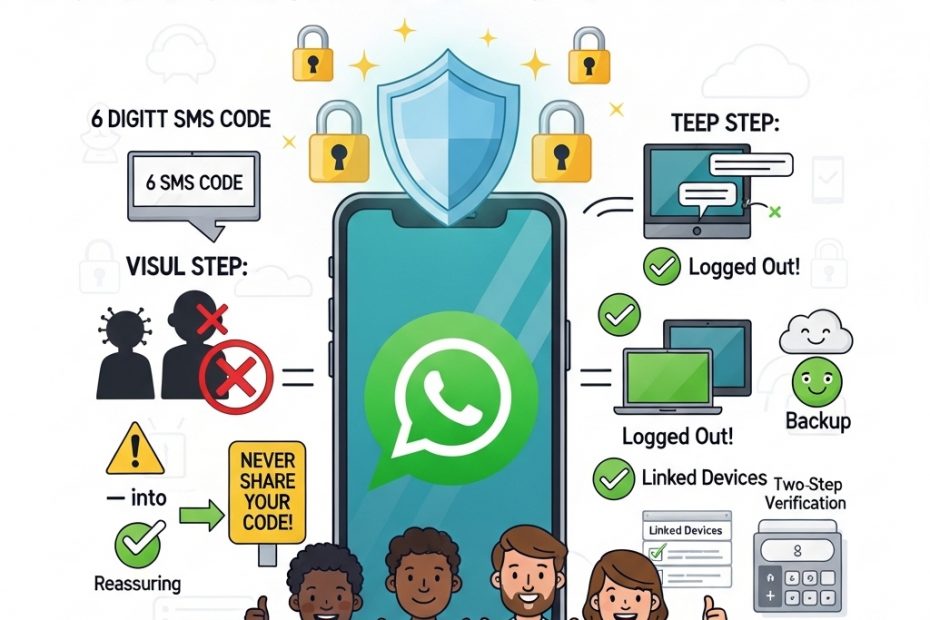
According to the official WhatsApp Help Center, the first rule is simple: never share your 6-digit registration code with anyone – not even family or friends. That code is like the only key to your private chats. If someone else is using your account, follow these easy steps right on your phone with the same SIM card.

Open WhatsApp and tap “Log back in” then “Continue.” Enter your full phone number (including the country code like +234) and press OK. Next, type the 6-digit code sent by text or phone call. As soon as you do this, WhatsApp automatically kicks out every other device that was secretly using your account – laptops, tablets, everything! You are now safely back inside.
What if it asks for a two-step verification PIN you don’t know? A hacker might have turned this on. Just wait 7 days and try again – you will still be able to log in after the wait, and the intruder gets locked out immediately.

Once you’re back, tell your family and friends right away: “Please ignore any strange messages from me!” This stops scams fast. Then make your account strong: go to Settings > Account > Two-step verification and turn it on (add your email so you never get stuck). Check Linked Devices and log out anything you don’t recognise. Turn on App Lock and Chat Lock using your phone’s fingerprint or face ID.

Remember, WhatsApp uses end-to-end encryption, so no one else could read your old messages – they stay safe on your phone only. If you had a Google Drive or iCloud backup, you can restore all your chats and photos too.

Prevention is the best friend: always update WhatsApp, set a strong voicemail password, and teach kids never to share codes.
Exciting News: A Super-Smart AI Helper That Finds Hidden Bugs in Computer Code!

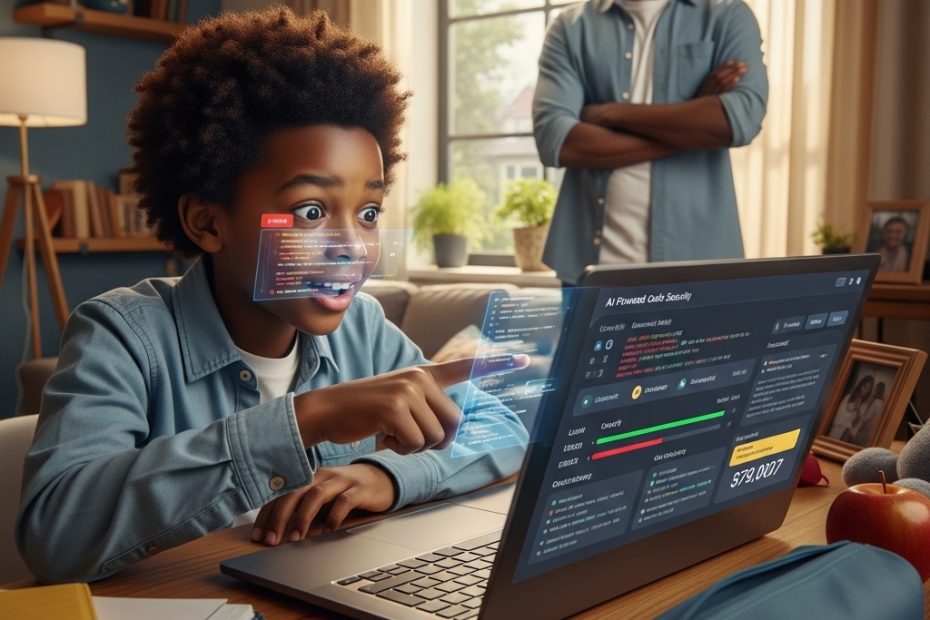
Hey Smart Teacher friends—kids, parents, teachers, and everyone who loves staying safe online! Imagine if your favorite robot friend could look at the secret instructions (called “code”) that make apps, games, websites, and even school programs work… and then spot sneaky problems before bad guys find them. That’s what a company called Anthropic just made with their helpful AI named Claude!

They launched something cool called Claude Code Security. Right now, it’s like a special test version only for big companies and teams (not everyone can use it yet), but it’s already super impressive!

Think of computer code like a huge recipe book for building fun things on your phone or computer—like games, learning apps, or video chats.

Old ways to check for problems are like using a simple checklist to see if the recipe has any missing ingredients. It works okay, but it misses tricky mistakes.

Claude’s new way is different—it thinks like a really clever detective! It reads the whole recipe book, understands how all the steps connect, follows where information goes, and spots hidden dangers—like places where a bad person could sneak in and steal info or break things.

Claude found over 500 real hidden problems in popular free programs that experts had checked for years and never noticed! That’s like finding secret treasure that no one else saw.

Here’s how it keeps things safe and fair:

Finds the problem → Claude says, “Hey, there’s a weak spot here!”
Gives a fix idea → It suggests exactly what to change in the code, like “Add this extra lock here.”
Checks twice (or more!) → It double-checks its own work to avoid saying “danger!” when everything is fine (no false alarms).
Gives a score → It rates how serious the problem is (small, medium, or big) and how sure it is.
Humans decide → Nothing gets fixed automatically! Real people (developers) look at everything and say “yes” or “no.” This is called “human-in-the-loop”—people are always the boss!
Lots of the apps you use for school, games, drawing, or talking to friends are made with code. Sometimes bad guys try to use AI to find weak spots super fast and cause trouble.

Anthropic made this tool to help the good guys (the people who build and protect apps) fight back! It’s like giving the heroes a powerful shield so our online world stays safer for learning, playing, and chatting.

The more good AI helps find and fix problems, the fewer sneaky bugs sneak through. That means safer games, better homework tools, and fewer worries for parents.

This is part of something big: AI isn’t just for fun chats anymore—it’s becoming a helper that makes the whole internet stronger and safer for everyone!

What do you think? Would you like an AI detective to help keep your favorite apps safe? Tell us in the comments!

Loved this simple explanation? Come join the Smart Teacher family on Instagram and TikTok @smartteacheronline! We post fun videos, easy tips for kids and parents, cool cyber stories, and ways to become an online superhero. Subscribe and turn on notifications so you never miss out—let’s stay smart, safe, and excited about tech together! 🛡️💻✨

#SmartTeacherOnline #AICodeHelper #StaySafeOnline #KidsCyberTips #FamilyTechFun

Giving Knowledge, Gaining Safety: A Mother’s Quiet Strength on International Women’s Day.

Every March 8, the world celebrates women’s resilience, brilliance, and unbreakable spirit.

At Smart Teacher, this day feels deeply personal. The most inspiring women we know aren’t always in headlines—they’re in cozy homes across Alberta, Canada: Black mothers, aunts, grandmothers, and teachers quietly teaching their children how to stay safe online. In giving this knowledge, they gain something profound: peace of mind, stronger families, and a legacy of empowerment that lasts.
Meet Aisha, a teacher in Edmonton.
Her family traces back to the early 1900s, when African American pioneers fled the Jim Crow South for freedom in Alberta communities like Amber Valley and Keystone.

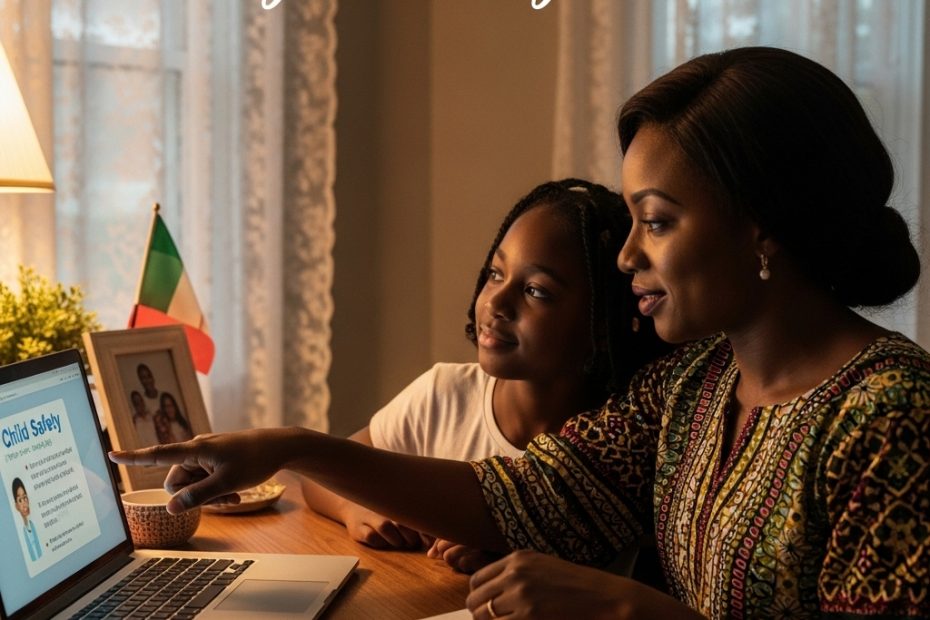
Today, she raises her 12-year-old daughter, Maya, in a quiet neighborhood where snow dusts the rooftops. A few years ago, Maya came home shaken. A classmate had shared how an online “friend” asked for details—school name, after-school spots, family habits. What seemed like friendly chat turned unsettling. Aisha recognized the warning signs instantly.
That evening, with snow falling softly outside, Aisha and Maya sat at the kitchen table with hot chocolate steaming between them. Aisha made a promise: fear wouldn’t win.

She would turn anxiety into strength.
They started small. After homework, they opened the laptop together. Aisha told stories of trailblazing Black women—from the mathematicians in NASA’s Hidden Figures who calculated paths to the stars, to wartime codebreakers who protected nations in silence, to today’s Black women leading cybersecurity teams who defend digital spaces so children can learn and play without fear.

She taught practical lessons patiently: spotting phishing emails, creating strong passwords, managing privacy settings, and knowing that not every online “friend” is safe.
“Knowledge is the one thing no one can ever take from you,” Aisha would say, her voice calm and warm. “And right now, that knowledge keeps you safe where you learn, connect, and dream.”
Over time, the lessons took root. Maya didn’t just learn to protect herself—she began guiding others.

She reminded classmates to check suspicious links, helped her grandparents set up two-factor authentication, and spoke up when something felt wrong online. One small act of giving had sparked a gentle ripple.
This is the heart of #GiveToGain—the true spirit of International Women’s Day.

When mothers invest time, wisdom, and courage in teaching digital safety, everyone benefits: families gain security, communities grow more resilient, and girls like Maya step forward with confidence to lead in tech, innovation, and life.
To every Black woman in Alberta shaping the next generation—you are the true guardians of this digital era.

Your quiet reminders, late-night privacy checks, and loving explanations are powerful acts of love that reach far beyond your home.
On this International Women’s Day, we honor you with heartfelt gratitude. When you give knowledge, you gain empowered children. When you give courage, you gain a safer world for all.

Thank you for being the quiet revolution.
Happy International Women’s Day.
Let’s keep giving. Let’s keep gaining. Together.

Found this excerpt moving? Join us on Instagram and TikTok @smartteacheronline for more inspiring stories, family-friendly tips, and content that empowers you to raise confident digital natives. Subscribe today—let’s build safer online spaces side by side! 💙
What safety lesson did a woman in your life teach you? Share in the comments—we read every one.

#IWD2026 #GiveToGain #SmartTeacherOnline #BlackWomenInTech #AlbertaFamilies #DigitalSafety

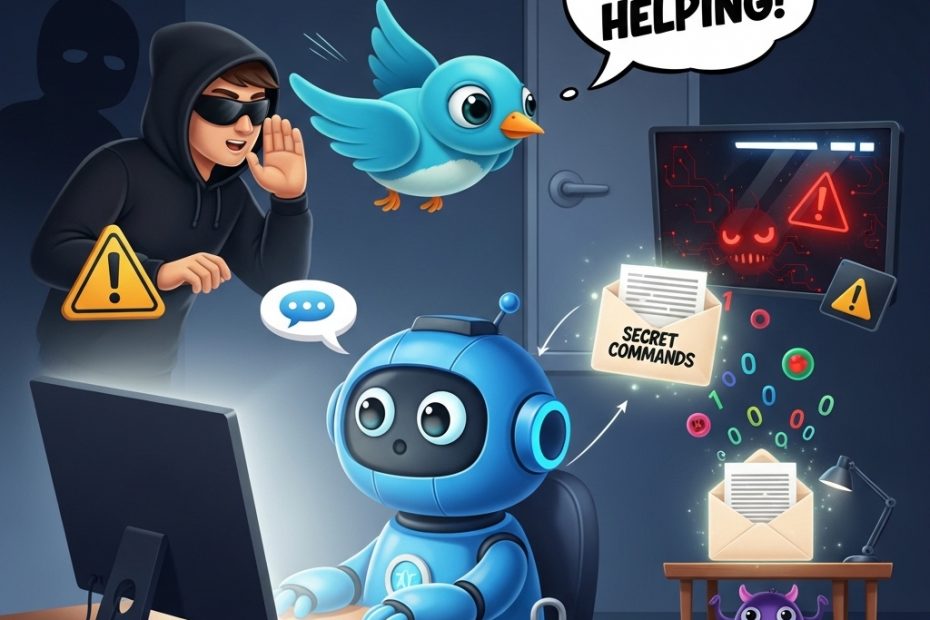
AI Chatbots as Secret Messengers for Hackers?

Imagine this: You’re at home helping your child with homework using a trusted AI like Microsoft Copilot or xAI’s Grok. You ask it questions, it fetches info from the web, summarizes pages, everything feels normal and safe. But behind the scenes, something sneaky could be happening.

Cybersecurity experts at Check Point recently revealed a clever trick hackers are using. They can turn these popular AI assistants into hidden “command-and-control” relays—basically, secret messengers for malware. Here’s how it works in simple steps:

First, a hacker tricks someone’s computer into getting infected with malware (maybe through a bad download, phishing email, or risky click, things we all warn our kids about).

Once inside, the malware doesn’t need its own suspicious internet connection. Instead, it cleverly “talks” to the AI through normal chat prompts.

The malware sends special instructions disguised as innocent questions. The AI, doing what it does best, visits a website the hacker controls, grabs the next command, and sends it back in its reply. To everyone watching, including antivirus software, it just looks like regular family use of AI. No weird traffic, no blocked domains, no alarms. It’s stealthy and blends right in with everyday enterprise or home chats.

Even scarier? No login or API key is needed. Hackers don’t create accounts that companies can ban. They just abuse the public web-browsing feature millions of us rely on.

Check Point calls this “AI as a C2 proxy.” It lets attackers not only send commands but also get the AI to think strategically: “Is this computer worth targeting? How can we avoid detection? What’s the next smart move?”

The AI becomes both messenger and advisor—turning trusted tools into powerful weapons for cybercriminals.

This isn’t the first time we’ve seen bad actors hide in plain sight. It’s similar to “living off trusted sites” attacks, where malware uses legitimate services like cloud storage or social media to stay under the radar.

Now, AI chatbots join the list.
The key takeaway for families? The best defense starts with prevention: Keep devices updated, use strong unique passwords, enable two-factor authentication, teach kids to think before clicking, and avoid downloading from unknown sources. If malware never gets on the device, there’s no secret messenger to abuse.

As AI becomes part of daily life—homework help, quick research, creative fun—staying aware of these evolving risks is crucial. Knowledge is our best shield.
Found this eye-opening?

Join us on Instagram and TikTok @smartteacheronline for weekly tips, kid-friendly explainers, parent guides, and real-world cyber stories that make online safety feel empowering, not scary. Hit subscribe and turn on notifications—we’ll keep your family one step ahead in this digital world!
What surprised you most about this? Drop a comment below—we’d love to hear! 👇

#SmartTeacherOnline #CyberSafety #AISafetyForFamilies

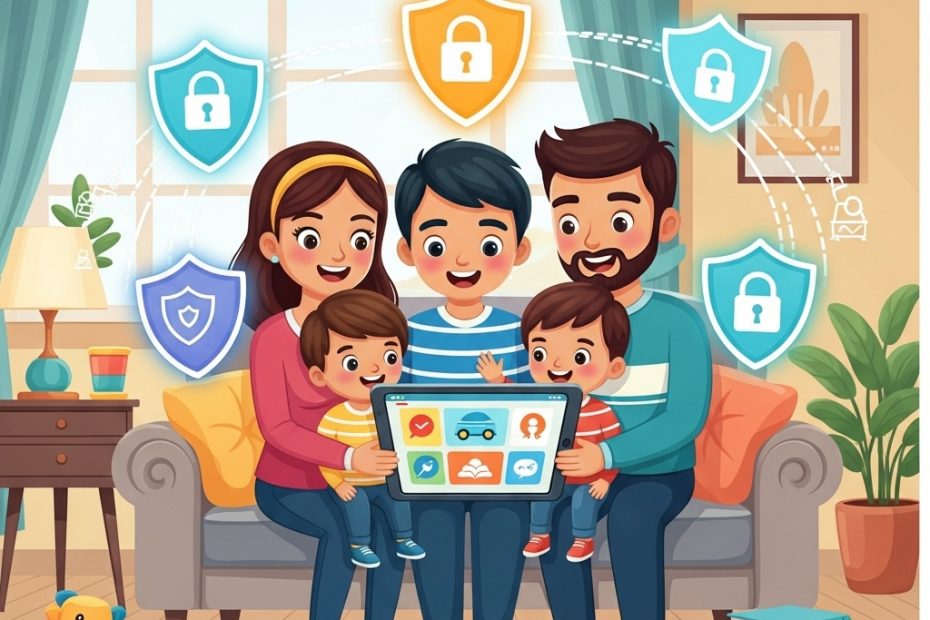
How To Balance Screentime and Online Safety as a Smart Parent.

Parenting in today’s world means dealing with screens everywhere. At Smart Teacher Online, we focus on cybersecurity and edtech to help families stay safe. Screen time is how long we stare at phones, tablets, or computers. It’s fun for kids to play games or watch shows, but too much can be a problem. Eyes get sore, sleep gets short, and online risks pop up.

Smart parents balance fun with safety. Start with rules: Limit screen time to 1-2 hours a day for fun stuff. Use built-in timers on devices. This helps kids learn self-control.

Cybersecurity is key. Parental controls act like guards. They block unsafe websites and limit apps. Teach kids about dangers: Strangers online might ask for personal info. That’s called grooming – avoid it! Phishing is fake emails or messages tricking you into giving passwords. Use simple analogies: “It’s like a stranger offering candy – say no!”

Balance screens with offline activities. Play sports, read books, or cook together. This builds strong bodies and happy minds.

Parents, lead by example. Put devices away during meals. Family screen time can be good, like educational videos on animals or math.

In edtech, screens help learning. Apps teach coding or languages safely. But update software to fight viruses – bad programs that harm devices.

Strong passwords protect accounts: Use “P@ssw0rdFun!” instead of “1234.”

Involve kids in decisions. Ask, “What rules should we have?” This teaches responsibility.

Screen time affects health. Too much leads to less exercise, poor sleep, or feeling sad. Cybersecurity prevents bigger issues, like identity theft.

Tips for parents:

Monitor apps: Know what kids download.
Use family sharing: See locations and usage.
Educate on privacy: Don’t share photos with strangers.
For kids: Screens are tools, not toys all day. Tell parents if something online scares you.

At Smart Teacher, we believe safe screen time builds smart families. Try these tips today!

Èdè Yorùbá Dùn Dé: Come Discover the Beauty of Yoruba Culture!

Parenting in today’s world means dealing with screens everywhere. At Smart Teacher Online, we focus on cybersecurity and edtech to help families stay safe. Screen time is how long we stare at phones, tablets, or computers. It’s fun for kids to play games or watch shows, but too much can be a problem. Eyes get sore, sleep gets short, and online risks pop up.

Smart parents balance fun with safety. Start with rules: Limit screen time to 1-2 hours a day for fun stuff. Use built-in timers on devices. This helps kids learn self-control.

Cybersecurity is key. Parental controls act like guards. They block unsafe websites and limit apps. Teach kids about dangers: Strangers online might ask for personal info. That’s called grooming – avoid it! Phishing is fake emails or messages tricking you into giving passwords. Use simple analogies: “It’s like a stranger offering candy – say no!”

Balance screens with offline activities. Play sports, read books, or cook together. This builds strong bodies and happy minds.

Parents, lead by example. Put devices away during meals. Family screen time can be good, like educational videos on animals or math.

In edtech, screens help learning. Apps teach coding or languages safely. But update software to fight viruses – bad programs that harm devices.

Strong passwords protect accounts: Use “P@ssw0rdFun!” instead of “1234.”

Involve kids in decisions. Ask, “What rules should we have?” This teaches responsibility.

Screen time affects health. Too much leads to less exercise, poor sleep, or feeling sad. Cybersecurity prevents bigger issues, like identity theft.

Tips for parents:

Monitor apps: Know what kids download.
Use family sharing: See locations and usage.
Educate on privacy: Don’t share photos with strangers.
For kids: Screens are tools, not toys all day. Tell parents if something online scares you.

At Smart Teacher, we believe safe screen time builds smart families. Try these tips today!

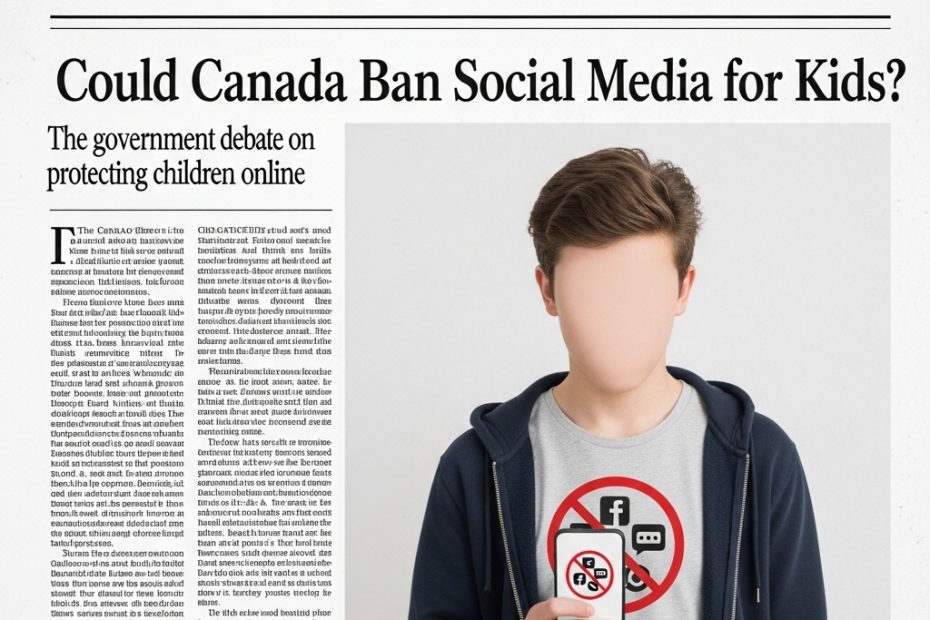
Could Canada Be the Next Country to Ban Social Media for Kids?

Social media has become a normal part of childhood for many families, but governments around the world are beginning to ask whether children are being exposed too early and at too great a cost. In Canada, this question is now at the center of a growing policy debate, as the federal government considers a possible ban on social media for children under the age of 14.

Canadian Culture Minister Marc Miller has confirmed that such a ban is being explored as part of broader online harm legislation. The move comes amid rising concern about how social media affects children’s mental health, safety, and development. From cyberbullying and online harassment to exposure to inappropriate content and addictive design features, parents and educators have long raised alarms about the risks children face online.

Canada is not alone in this conversation. Australia recently became the first country in the world to ban children under 16 from using social media platforms. That decision has sparked global discussion, with governments watching closely to see whether the policy will be effective in protecting young users. Canadian lawmakers are now examining similar approaches as they reconsider how best to safeguard children in digital spaces.

Parliament has spent several years studying online harms. Lawmakers have held multiple hearings focused on how social media platforms target young users and how easily children can be drawn into harmful online experiences. Since 2021, two versions of online safety legislation have been introduced but failed to pass. With increasing public concern and international examples to reference, the pressure to act is growing.

Technology companies, however, are pushing back against the idea of an outright ban. Many argue that enforcing age limits online is difficult, as current systems for age verification are often unreliable. Companies like Meta have suggested shifting responsibility to app stores, where Google and Apple could verify ages and require parental consent before allowing children to download social media apps.

For parents, this ongoing debate highlights an important reality. Regardless of whether a ban becomes law, children need guidance, boundaries, and education when it comes to social media use. Laws can help set limits, but they cannot replace conversations at home, parental involvement, and digital literacy.

For children, the discussion is a reminder that online spaces are not always designed with their well-being in mind. Social media platforms are built to capture attention and encourage constant engagement, which can affect self-esteem, sleep, and emotional health.

As Canada weighs its options, families are encouraged to stay informed and proactive. Understanding the risks, setting clear rules, and maintaining open communication can help children navigate the online world more safely, regardless of what legislation is eventually passed.

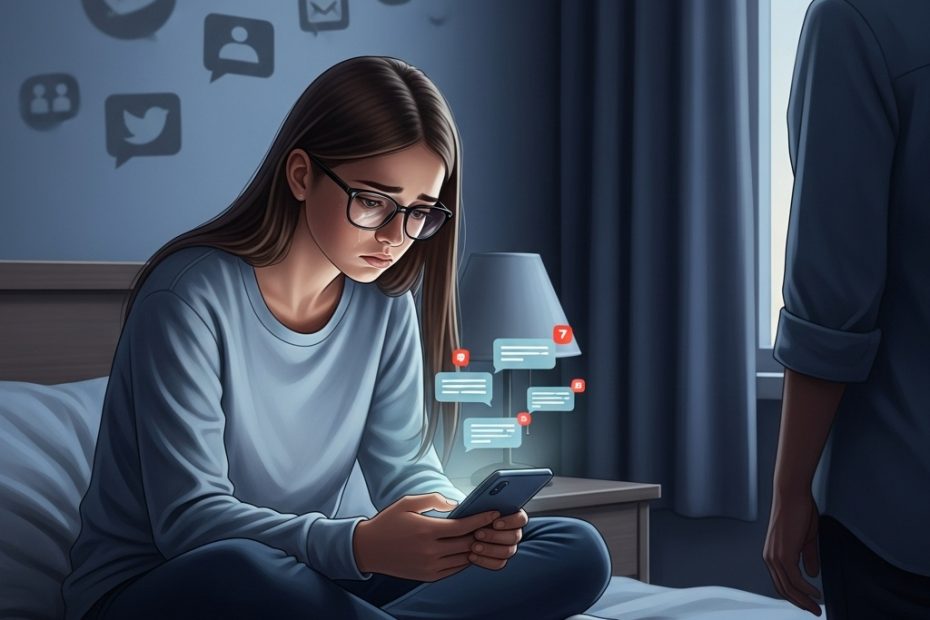
CYBERBULLYING and it’s effects on young people.

Cyberbullying has changed the way bullying affects young people. In the past, bullying often ended when a child left school. Today, it can follow them home through phones, social media, and messaging apps, making it almost impossible to escape. The emotional damage caused by cyberbullying can be severe, especially when it goes unnoticed for long periods.

Sophie was just 14 when her teacher, Ethan, noticed something was wrong. She had become withdrawn in class, avoided her phone, and seemed distracted and uninterested in her schoolwork. These changes may not seem alarming on their own, but together they formed a pattern that Ethan recognized as a sign of distress.

Like many teenagers, Sophie found it hard to talk about what she was going through. Fear and embarrassment kept her silent. When Ethan involved her parents, they slowly learned that Sophie was being bullied by her peers, both at school and online.

What made Sophie a target was something many children experience. She wore glasses because of myopia. For years, it had not mattered. Then suddenly, classmates began mocking her appearance. The teasing spread quickly and turned cruel. Sophie lost friends and became isolated, labeled as “different.”

The bullying became far more dangerous when it moved online. Former friends created a fake social media group designed to humiliate her. The group grew rapidly, and Sophie was tagged in hateful posts and sent abusive messages. She was threatened with the exposure of private messages and false rumors if she spoke out. The bullying continued for months, silently damaging her mental health.

By the time adults intervened, Sophie had begun self-harming. This moment highlighted how deeply cyberbullying can affect a young person when it is hidden and unresolved. With support from her teacher and parents, the fake accounts were reported, the bullying stopped, and steps were taken to prevent it from happening again.

Today, Sophie is confident, resilient, and preparing for college. Her story reminds us that cyberbullying is serious, but it is not unstoppable. Early attention, open communication, and teamwork between parents, teachers, and schools can protect children and help them heal.

BEFORE GETTING THAT GADGET FOR YOUR TEENAGER, CONSIDER THESE FIRST!

The moment a parent hands a teenager their first serious gadget often feels bigger than it looks. It is not just a phone or a laptop. It is a quiet transition. A step toward independence. A signal of trust. For many families, this moment comes with excitement, hesitation, and a long list of questions that rarely have simple answers.

Teenagers today live in a world where technology is everywhere. School assignments are submitted online. Friendships are maintained through messages and social platforms. Information is available at the tap of a screen. It is no surprise that many parents feel pressure to buy devices earlier than they planned, especially when everyone around them seems to be doing the same. But giving a teenager a gadget is not a decision to rush. It deserves thought, conversation, and clarity.

Before any device changes hands, one question matters more than the brand or the model. Is this teenager ready? Readiness has very little to do with age and everything to do with maturity. Some teenagers can manage screen time, respect boundaries, and communicate openly about what they encounter online. Others may still struggle with impulse control or emotional regulation. A device connected to the internet opens doors to learning and creativity, but it also opens doors to content, conversations, and pressures that can be overwhelming without guidance.

Many parents underestimate how quickly a gadget becomes part of a teenager’s emotional world. It can shift routines, affect sleep, change attention spans, and influence self-esteem. Once exposure begins, it is difficult to reverse. That is why it is important for parents to slow down and consider not just what their teenager wants, but what they truly need at this stage of development.

Clear rules are another part of the conversation that cannot be skipped. Devices without boundaries often create confusion and conflict. Teenagers need structure, even when they push against it. Talking openly about screen time, online safety, social media behavior, and consequences builds trust and prevents misunderstandings. When expectations are clear from the beginning, teenagers are more likely to use their devices responsibly.

Parental involvement does not end once the device is handed over. Monitoring, guidance, and regular check-ins are essential. This is not about control or surveillance. It is about protection and partnership. Teenagers are learning how to navigate a digital world that even adults are still figuring out. They need support, not silence.

Finally, gadgets can be powerful tools for building responsibility when used intentionally. Involving teenagers in decisions about data usage, care of the device, and balanced routines teaches accountability. Encouraging offline activities, face-to-face relationships, and downtime reminds them that technology is a tool, not a replacement for real life.

Giving a teenager a gadget is not just a purchase. It is a parenting decision that shapes habits, values, and trust. When handled thoughtfully, it can become a positive step forward rather than a source of regret.

January, 2026. A New Month, A Fresh Start: Helping Kids and Parents Set Meaningful Goals Together.

The beginning of a new month carries a quiet kind of hope. It is a natural pause point, a moment that invites families to reflect and ask, What do we want to do differently this time? For parents and children alike, the start of the year or a new month feels like a clean slate, an opportunity to begin again with fresh energy and clearer intentions.

At Smart Teacher Online, we believe that goal setting is one of the most powerful tools parents can share with their children, especially when it is done together. Goals give children direction. They help them understand what they are working toward and why their effort matters. When children are involved in setting their own goals, they feel a sense of ownership that builds confidence and motivation.

For parents, goal setting is also an opportunity for a fresh start. It allows families to let go of last year’s frustrations and focus on what is possible moving forward. Instead of pressure or comparison, goal setting can become a way to encourage growth, resilience, and communication.

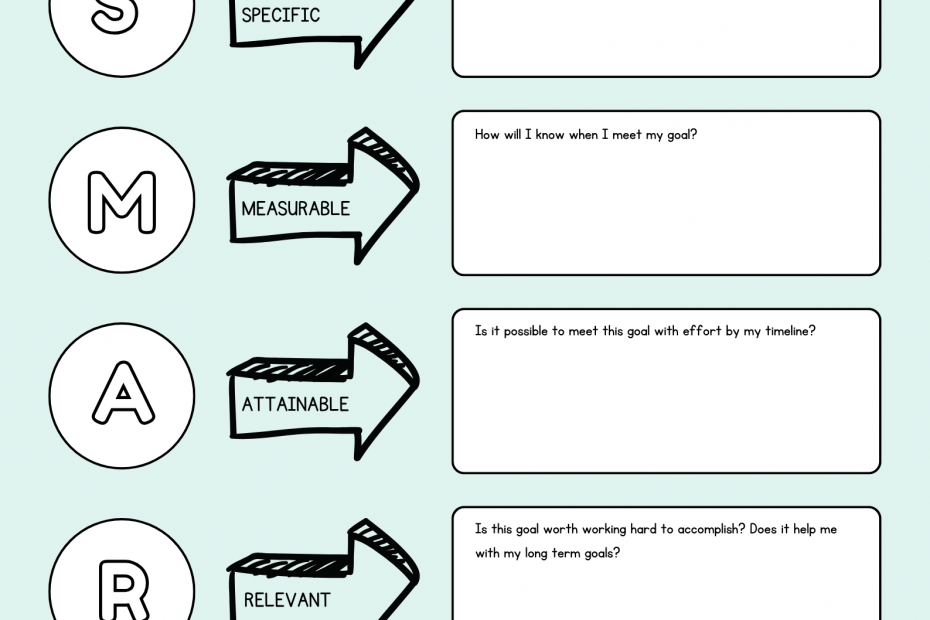
The key is keeping it simple and supportive. Children do not need complex systems or long lectures. They need clarity, encouragement, and achievable steps. Small goals, written down and revisited often, help children see progress and feel proud of their efforts. When parents participate in the process, it becomes a shared journey rather than a list of expectations.

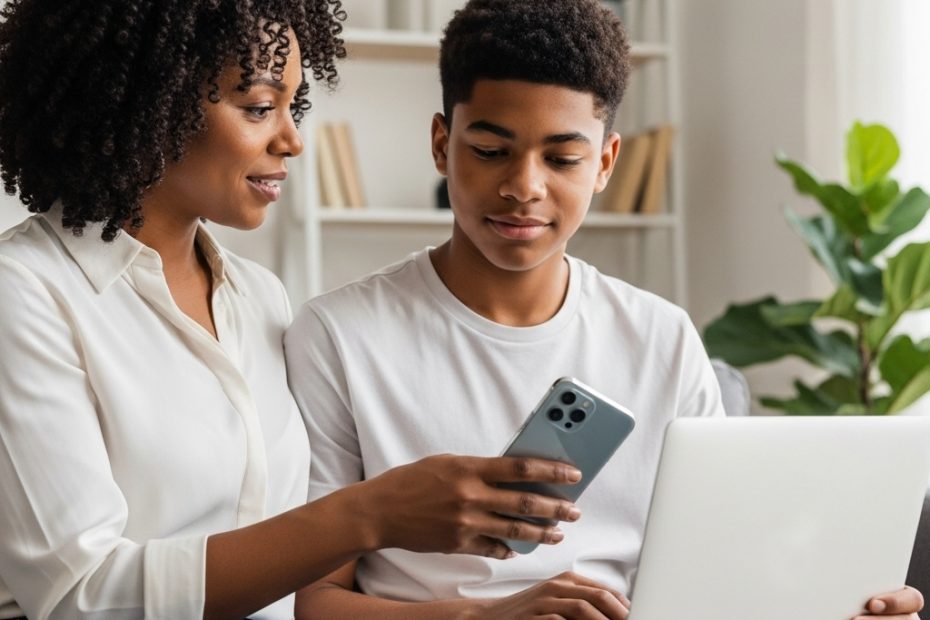
This month, as part of our goal-setting theme, we are offering something special to our community. Inside this blog post, you will find a Google Drive link that gives you access to our free goal setting templates for both kids and parents. These templates are designed to make goal setting easy, practical, and stress-free.

This is our free gift to you, our loyal community members who have been with us since the early days of Smart Teacher Online. We created these resources to support your family as you begin this new chapter together.

Welcome to 👋
Smart Teacher Platform.

Get simple parenting tips, fun Yoruba learning ideas, and cyber safety guidance to help your child learn better without pressure.

We don’t spam! Read our privacy policy for more info.