HOW TO RECOVER A COMPROMISED WHATSAPP ACCOUNT.
Is your WhatsApp acting strange? Maybe friends are getting weird messages from you that you never sent, or you suddenly can’t log in.
Don’t worry – this is called a compromised account, and WhatsApp makes it easy for anyone (kids, parents, or professionals) to get it back quickly!
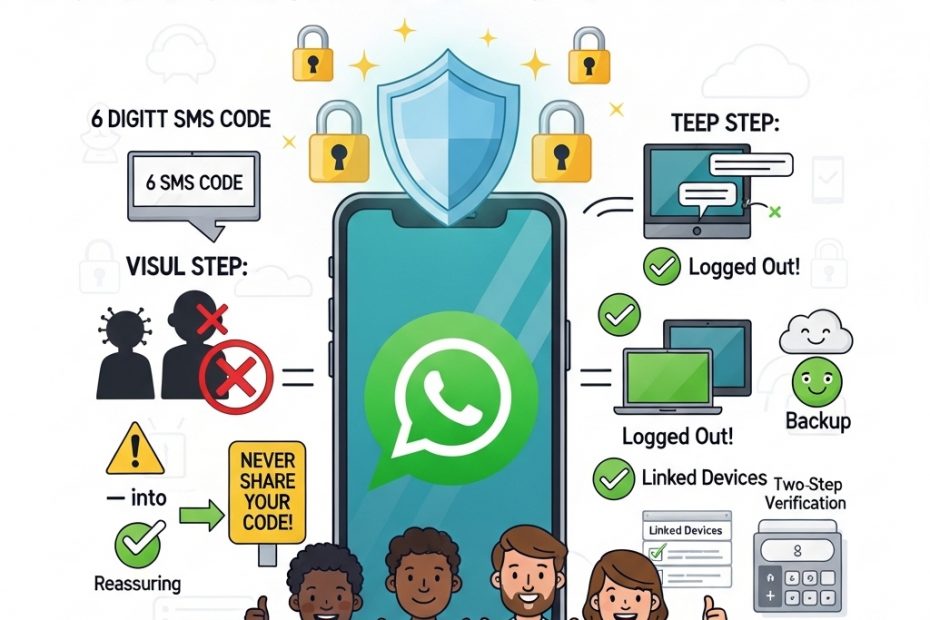
According to the official WhatsApp Help Center, the first rule is simple: never share your 6-digit registration code with anyone – not even family or friends. That code is like the only key to your private chats. If someone else is using your account, follow these easy steps right on your phone with the same SIM card.
Open WhatsApp and tap “Log back in” then “Continue.” Enter your full phone number (including the country code like +234) and press OK. Next, type the 6-digit code sent by text or phone call. As soon as you do this, WhatsApp automatically kicks out every other device that was secretly using your account – laptops, tablets, everything! You are now safely back inside.
What if it asks for a two-step verification PIN you don’t know? A hacker might have turned this on. Just wait 7 days and try again – you will still be able to log in after the wait, and the intruder gets locked out immediately.
Once you’re back, tell your family and friends right away: “Please ignore any strange messages from me!” This stops scams fast. Then make your account strong: go to Settings > Account > Two-step verification and turn it on (add your email so you never get stuck). Check Linked Devices and log out anything you don’t recognise. Turn on App Lock and Chat Lock using your phone’s fingerprint or face ID.
Remember, WhatsApp uses end-to-end encryption, so no one else could read your old messages – they stay safe on your phone only. If you had a Google Drive or iCloud backup, you can restore all your chats and photos too.
Prevention is the best friend: always update WhatsApp, set a strong voicemail password, and teach kids never to share codes.