Smart Teacher Online Blog – Keeping Families and Schools Safe in the Digital World.
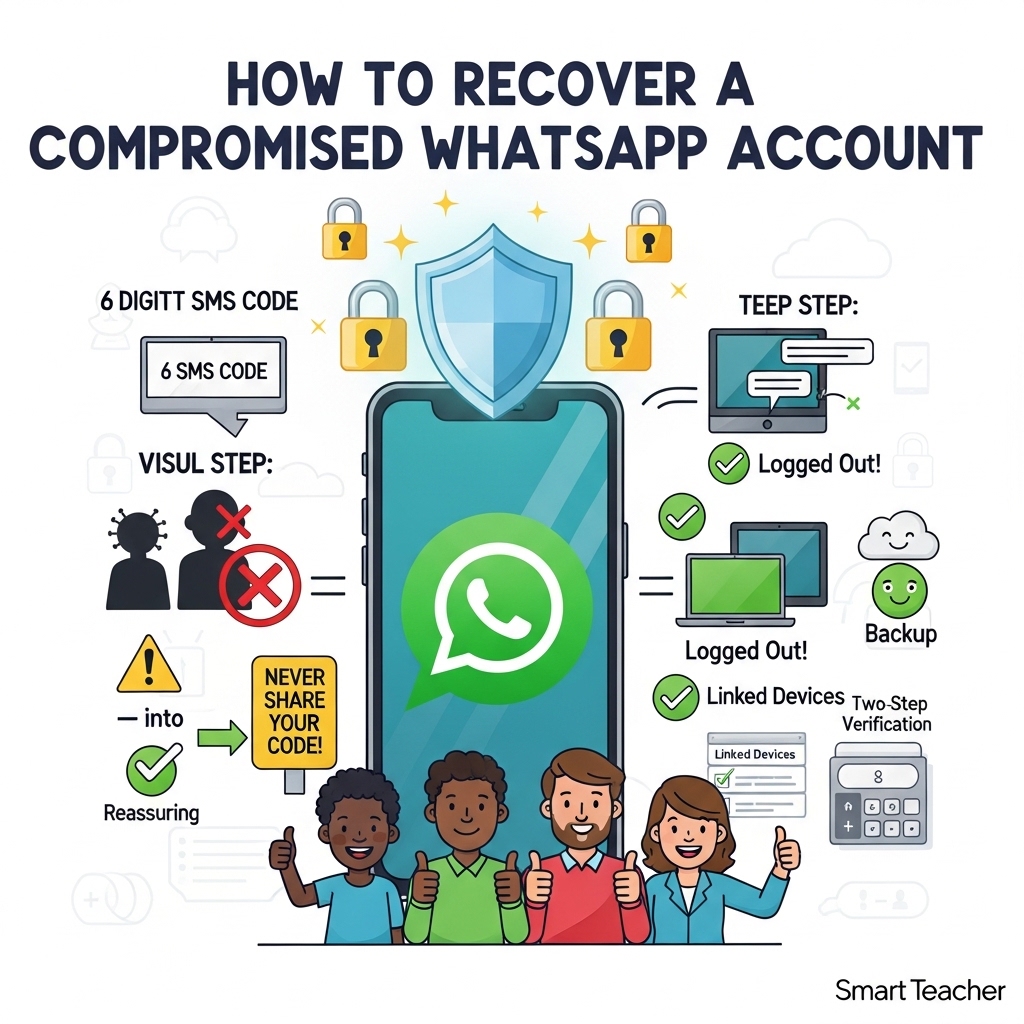
Imagine your WhatsApp is like the front door to your private chats with family, friends, teachers, and classmates. Now picture someone sneaky opening that door without permission. That’s what a “compromised” (or hacked) WhatsApp account means – someone else is using your number on WhatsApp, sending messages as if they were you!
This can happen to anyone: curious kids who click the wrong link, busy parents juggling messages, or professionals sharing important school or work updates. The good news? WhatsApp has clear, simple steps to kick the intruder out and get your account back safely. According to the official WhatsApp Help Center, recovering your account is quick if you act fast – and it works for children, parents, and grown-ups alike.
Why This Matters for Smart Teacher Readers
Kids might share a code, thinking it’s a game. Parents could lose access during family emergencies. Teachers use WhatsApp for class groups – a hacked account could spread worry or fake news. Learning these steps teaches everyone digital safety, just like we teach “look both ways before crossing the road.”
Signs Your WhatsApp Might Be Compromised
Watch for these easy-to-spot clues: • You suddenly get a WhatsApp message saying “Your phone number was registered with WhatsApp on a new device.” • Friends or family tell you, “You sent me a weird message or link I didn’t expect!” • You’re logged out and can’t log back in right away. • Messages show as “read” when you haven’t opened them. • Your profile picture or status changes by itself. • You see strange devices listed in your Linked Devices section.
If any of these happen, don’t panic – just follow the steps below!
Step-by-Step: How to Recover Your Account (Super Simple!)
You need your phone with the same SIM card that has your WhatsApp number. WhatsApp says this is the only way to prove the account is yours.
- Open WhatsApp on your phone You will see a screen asking you to “Log back in.” Tap Log back in > Continue.
- Enter your phone number Type your full international number (example: +234 for Nigeria). Tap OK.
- Enter the 6-digit code WhatsApp will send it by text message (SMS) or you can request a phone call. Type the code carefully. Magic happens here! As soon as you enter the code, WhatsApp automatically logs out EVERYONE else who was using your account – even on computers or other phones. You are now back in control!
Important tip for kids and parents: Never share this 6-digit code with ANYONE – not even your best friend or a “WhatsApp helper.” WhatsApp will NEVER ask for it.
What If It Asks for a Two-Step Verification PIN?
Sometimes a hacker turns on extra protection called two-step verification. If you don’t know the 6-digit PIN: • Wait 7 days and try again. • Anyone using your account gets kicked out as soon as you enter the SMS code. After 7 days, you can register normally. (Pro tip: Always add an email when you turn on two-step verification so you never get stuck!)
After You’re Back In – Secure Your Account Right Away
Don’t stop at recovery! Make your WhatsApp super strong so it never happens again:
• Turn on Two-Step Verification (Settings > Account > Two-step verification). Add your email too! • Check Linked Devices (Settings > Linked Devices). Log out anything you don’t recognise. • Turn on App Lock and Chat Lock – your phone’s fingerprint, face ID, or PIN will protect everything. • Set a strong voicemail password on your phone (so no one can steal your SMS codes). • Review your Accounts Center (Settings > Accounts Center) and remove any suspicious accounts. • For extra safety (if you feel extra worried), turn on Strict Account Settings in WhatsApp.
Restore Your Old Chats
If you had a backup (Google Drive on Android or iCloud on iPhone), WhatsApp will ask if you want to restore your messages and photos. Your old chats are safe because of end-to-end encryption – even the hacker couldn’t read them!
Notify Your Family, Friends, and Class Group
Tell everyone: “My account was temporarily taken over – please ignore any strange messages!” This stops scams and worry.
Prevention Tips – Stay Safe Forever
• Never share your 6-digit code or PIN – even if someone says it’s an emergency. • Ignore strange emails or links asking to “reset” your WhatsApp. • Always use the real WhatsApp app (update it regularly). • Check Linked Devices every week, like brushing your teeth. • Teach kids: “If someone asks for your WhatsApp code, say NO and tell a grown-up.” • If you get a new SIM card, use WhatsApp’s “Change Number” feature immediately or you could lose access forever.
Important Things WhatsApp Cannot Do
• They cannot block people or deactivate accounts for you (only you can). • They cannot tell you who used your account or where they were. • Past messages stay private on your phone only.
Final Word from Smart Teacher
Recovering a compromised WhatsApp account is easy when you know the steps – and preventing it is even easier! By teaching these simple habits, we help children grow into safe digital citizens, support busy parents, and keep school communities protected.
Share this blog with your family and class WhatsApp groups. Stay safe, stay smart – and keep those chats happy and private!
Written with love for safer digital families by the Smart Teacher team. All steps are based on official WhatsApp Help Center guidance (March 2026).