AI Chatbots as Secret Messengers for Hackers?
Imagine this: You’re at home helping your child with homework using a trusted AI like Microsoft Copilot or xAI’s Grok. You ask it questions, it fetches info from the web, summarizes pages, everything feels normal and safe. But behind the scenes, something sneaky could be happening.
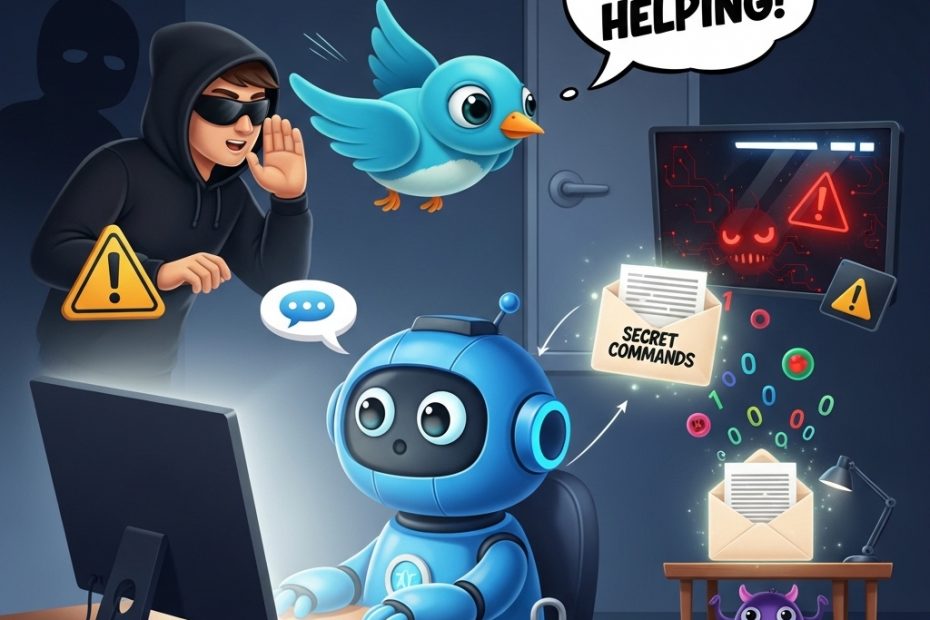
Cybersecurity experts at Check Point recently revealed a clever trick hackers are using. They can turn these popular AI assistants into hidden “command-and-control” relays—basically, secret messengers for malware. Here’s how it works in simple steps:
First, a hacker tricks someone’s computer into getting infected with malware (maybe through a bad download, phishing email, or risky click, things we all warn our kids about).
Once inside, the malware doesn’t need its own suspicious internet connection. Instead, it cleverly “talks” to the AI through normal chat prompts.
The malware sends special instructions disguised as innocent questions. The AI, doing what it does best, visits a website the hacker controls, grabs the next command, and sends it back in its reply. To everyone watching, including antivirus software, it just looks like regular family use of AI. No weird traffic, no blocked domains, no alarms. It’s stealthy and blends right in with everyday enterprise or home chats.
Even scarier? No login or API key is needed. Hackers don’t create accounts that companies can ban. They just abuse the public web-browsing feature millions of us rely on.
Check Point calls this “AI as a C2 proxy.” It lets attackers not only send commands but also get the AI to think strategically: “Is this computer worth targeting? How can we avoid detection? What’s the next smart move?”
The AI becomes both messenger and advisor—turning trusted tools into powerful weapons for cybercriminals.
This isn’t the first time we’ve seen bad actors hide in plain sight. It’s similar to “living off trusted sites” attacks, where malware uses legitimate services like cloud storage or social media to stay under the radar.
Now, AI chatbots join the list.
The key takeaway for families? The best defense starts with prevention: Keep devices updated, use strong unique passwords, enable two-factor authentication, teach kids to think before clicking, and avoid downloading from unknown sources. If malware never gets on the device, there’s no secret messenger to abuse.
As AI becomes part of daily life—homework help, quick research, creative fun—staying aware of these evolving risks is crucial. Knowledge is our best shield.
Found this eye-opening?
Join us on Instagram and TikTok @smartteacheronline for weekly tips, kid-friendly explainers, parent guides, and real-world cyber stories that make online safety feel empowering, not scary. Hit subscribe and turn on notifications—we’ll keep your family one step ahead in this digital world!
What surprised you most about this? Drop a comment below—we’d love to hear! 👇
#SmartTeacherOnline #CyberSafety #AISafetyForFamilies